@avalane/storybook-addon-status
Version:
Add component status to the storybook UI
93 lines (66 loc) • 2.28 kB
Markdown
# Storybook Addon Status
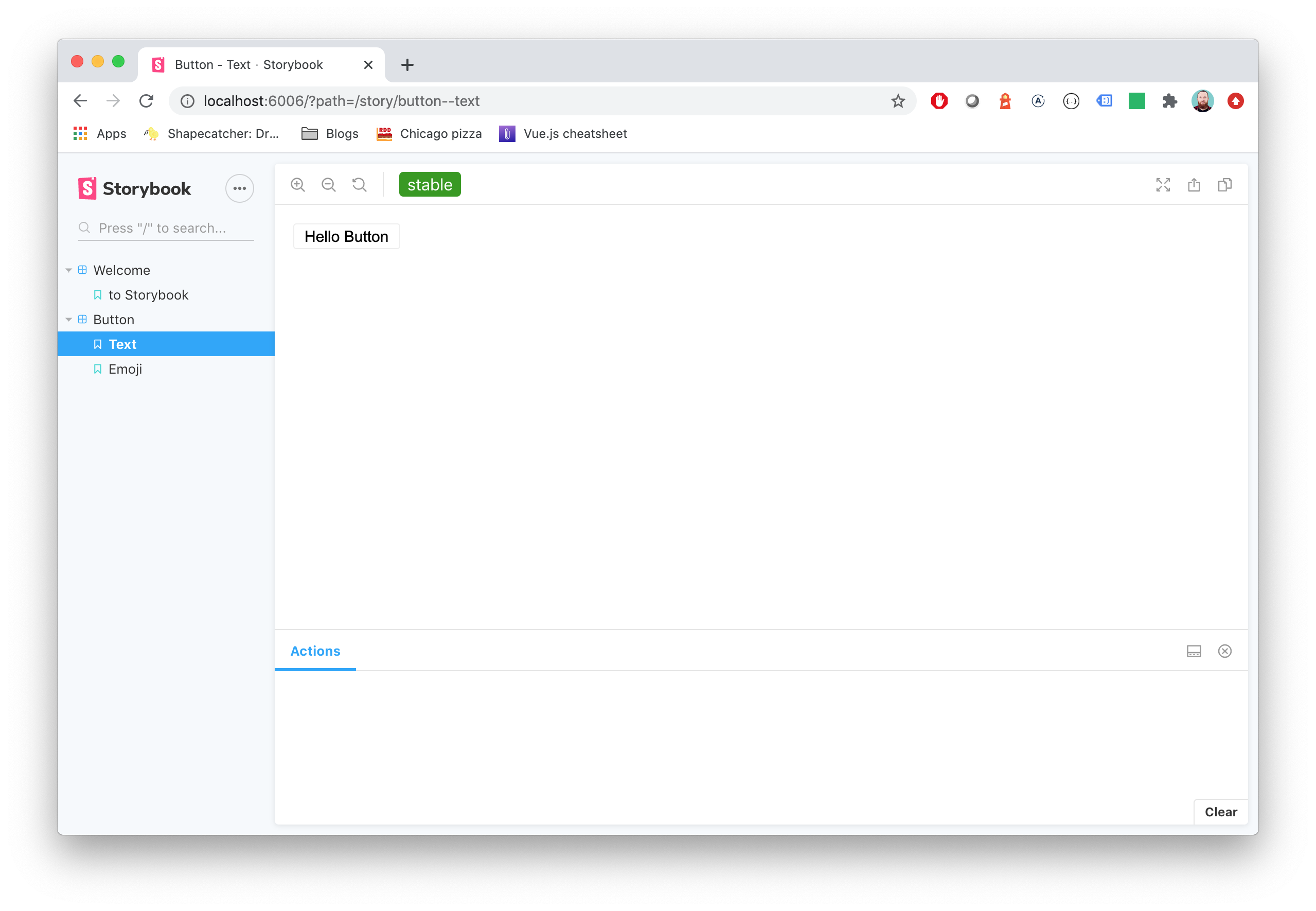
Storybook Status Addon can be used to add a component status label in [Storybook](https://storybook.js.org).
## Installation
```sh
npm install @etchteam/storybook-addon-status --save-dev
```
## Configuration
Then create a file called `main.js` in your storybook config.
Add the following content to it:
```js
module.exports = {
addons: ['@etchteam/storybook-addon-status'],
};
```
In `preview.js` you can globally configure custom status configurations, or overwrite the built in "beta", "deprecated", "stable" & "releaseCandidate"
```js
export const parameters = {
status: {
statuses: {
released: {
background: '#0000ff',
color: '#ffffff',
description: 'This component is stable and released',
},
},
},
};
```
## Story Usage
Then write your stories like this:
**.js**
```js
export default {
title: 'BetterSoftwareLink',
parameters: {
status: {
type: 'beta', // 'beta' | 'stable' | 'deprecated' | 'releaseCandidate'
url: 'http://www.url.com/status', // will make the tag a link
statuses: {...} // add custom statuses for this story here
}
},
};
export const defaultView = () => (
<a href="https://makebetter.software">Make Better Software</a>
);
```
For multiple statuses `type` also accepts array values. If not specifically set every status uses `status.url` as the linked Url.
```jsonc
status: {
type: ['beta', 'released', 'myCustomStatus', { name: 'stable', url: 'http://www.example.com' }],
// url, statuses ...
}
```
**NOTE:** The status dot in the sidebar only shows the color of the first status.
**.mdx** (using addon-docs)
```js
import { Meta } from "@storybook/addon-docs/blocks";
<Meta title="BetterSoftwareLink" parameters={{ status: { type: 'beta' } }} /> // 'beta' | 'stable' | 'deprecated' | 'releaseCandidate'
...
```
You'll get an awesome label injected in the top toolbar and the sidebar.
**Note** the `type` will be used as label for tag and will convert camelCase to words (release)
Made with ☕ at [Etch](https://etch.co)
## Migration guide
Need to [update your major version](Migration.md)?