@area37/vendure-plugin-customer-approve
Version:
Vendure plugin for approving customers
61 lines (47 loc) • 1.69 kB
Markdown
# Vendure Customer Approve Plugin
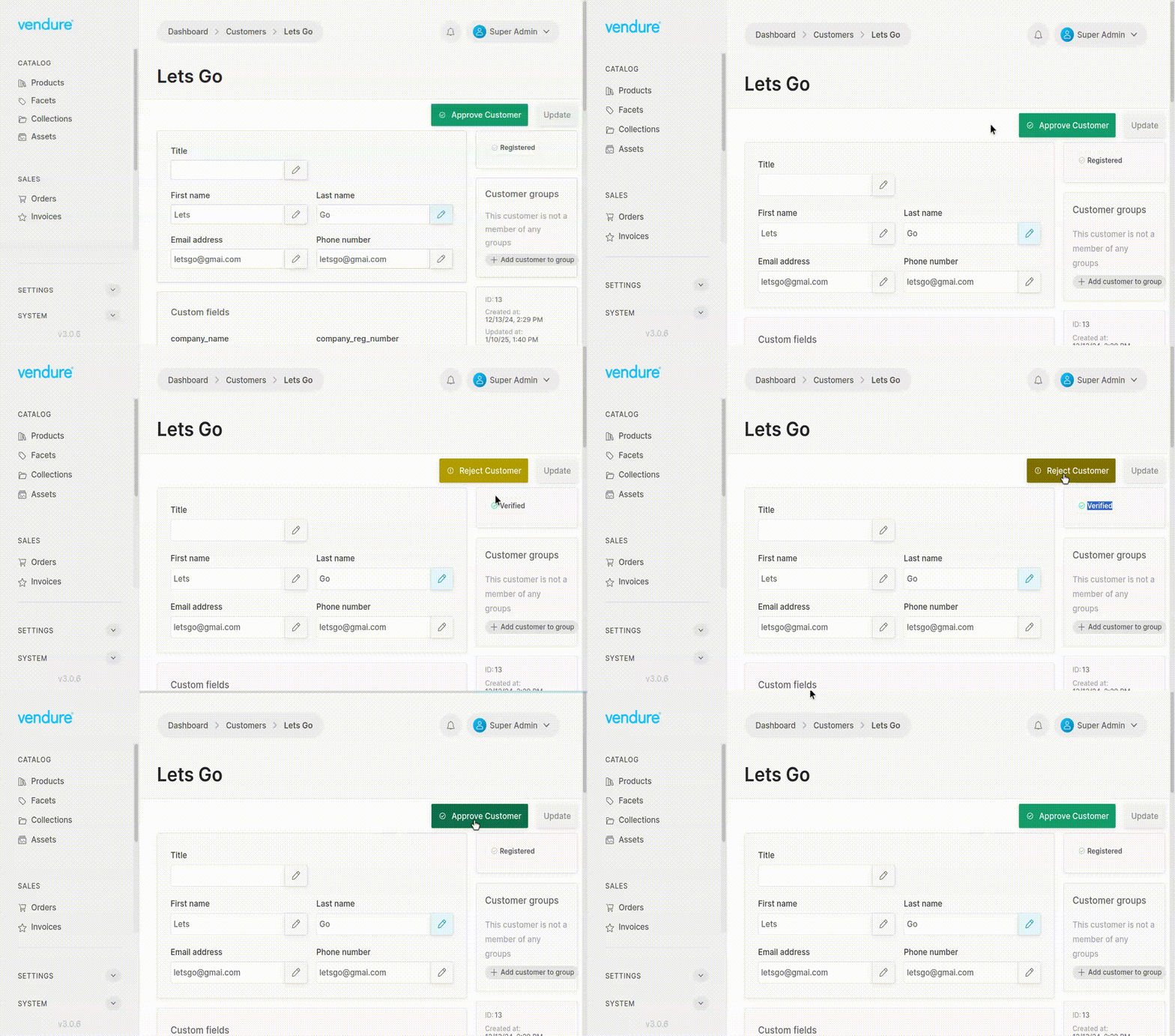
This plugin allows you to manually approve customers before they can log in and place orders.
It is particularly useful in B2B scenarios where you want to vet customers before granting them access to your store.
## Installation
1. To install the plugin, run the following command:
```pnpm i @area37/vendure-plugin-customer-approve```
2. Add the plugin to your vendure-config.ts file:
```ts
import { CustomerApprovePlugin } from '@area37/vendure-plugin-customer-approve';
plugins: [
CustomerApprovePlugin.init({}),
AdminUiPlugin.init({
port: 3002,
route: 'admin',
app: compileUiExtensions({
extensions: [CustomerApprovePlugin.ui],
outputPath: path.join(__dirname, "./admin-ui"),
}),
}),
],
```
3. Add authOptions to your `vendure-config.ts` file:
```ts
authOptions: {
...,
requireVerification: true,
},
```
This setting will require customers to verify their email addresses before they can log in.
3. You should also disable the default email verification handler:
```ts
import { orderConfirmationHandler, passwordResetHandler, emailAddressChangeHandler } from '@vendure/email-plugin';
export const config: VendureConfig = {
plugins: [
...
EmailVerificationPlugin.init({
...
handlers: [
orderConfirmationHandler,
passwordResetHandler,
emailAddressChangeHandler,
]
}),
],
};
```